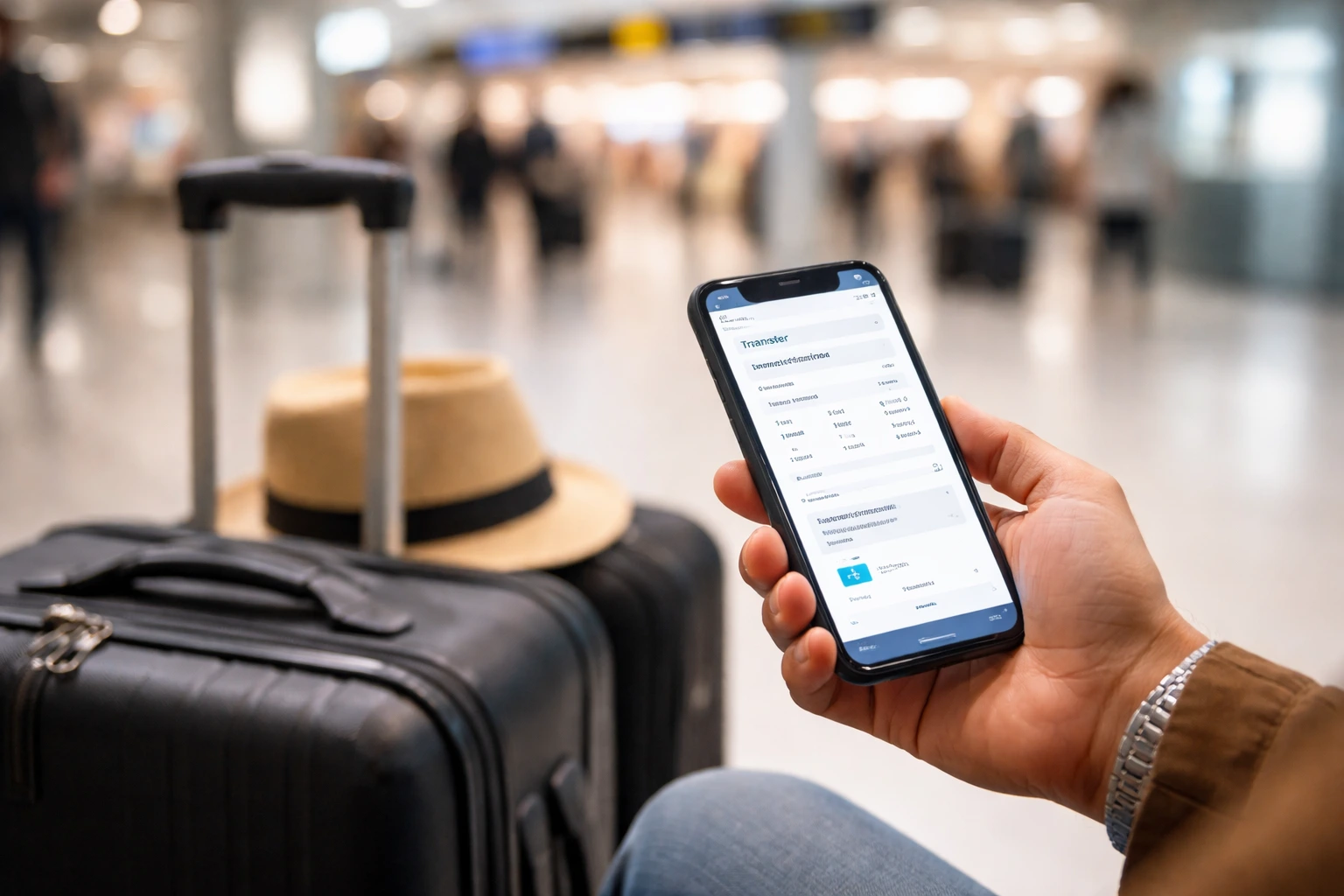
Book PMI transfer in 60s: mobile checklist
⚡ Book in 60s: this page exists for one very specific task, completing your transfer booking from your phone with the minimum correct details and without leaving the form.

⚡ Decide in 30s: book your PMI transfer without errors
You arrive in Mallorca with a tight flight, suitcases in hand, and one single idea: get out of the airport fast. And that’s where many people get confused: taxi, transfer, book now or upon arrival?
The good news: booking your transfer from Palma Airport (PMI) in 60 seconds from your mobile is possible if you have the right data ready.
This post is not about confirming a booking that already exists or seeing a real case. It is about one single task: completing the booking from your phone with the minimum necessary data and getting it sent.
My promise here is simple:
- Zero hassle (minimum checklist).
- Zero surprises (correctly entered data).
- Fast confirmation so you can move on.
Quick booking
Calculate price
Finish the booking fast and get your transfer confirmed with less friction.
Get the transfer sorted before you keep comparing.
Short process, clear details, and fewer messages to finish the booking.
Why booking correctly at PMI matters more than it seems
PMI handles a huge volume of passengers, which translates into queues, traffic, and pressure during peak hours. In this context, a small error in the booking becomes a real problem:
- the driver can’t find you,
- you end up waiting longer than expected,
- or friction arises that nobody wants upon landing.
Happy rule: the clearer you make it, the faster they confirm and the fewer messages you’ll have to deal with later.
Mobile checklist: minimum data to book in 60 seconds
If you have this at hand, you can complete the booking from your mobile in less than a minute.
✅ PMI transfer booking checklist
- Arrival date in Palma.
- Flight number (key for tracking delays).
- Flight arrival time (not the pickup time).
- Exact address of the hotel or Airbnb.
- Number of passengers.
- Email or WhatsApp for fast confirmation.
This checklist exists for a reason: it lets you complete the booking with the minimum correct data. Less ambiguity = less friction from minute 1.
Key detail: how to enter the hotel or Airbnb address
-
If it’s a hotel: official name + town.
Example: “Hotel X, Playa de Palma”. -
If it’s an Airbnb: paste the full address exactly as it appears on the booking (street + number).
If it’s a rural area: add a short reference.
This point alone avoids most problems: many incidents stem from “generic addresses” that force manual calls or searches.
If you want to go deeper on this point only:
Ready to continue?
Book in 1 minute
Finish the booking fast and get your transfer confirmed with less friction.
Get the transfer sorted before you keep comparing.
Short process, clear details, and fewer messages to finish the booking.
Error #1: arrival time vs. pickup time
This is the most common mistake: confusing the flight arrival time with the pickup time.
The correct way
- Enter the flight arrival time.
- The operator calculates the actual pickup based on landing, luggage, and possible delays.
This is what allows even last-minute bookings to have fast confirmation without confusion.
Quick example
- Flight arrives at 18:40
- Estimated luggage time: 30 min
- Actual pickup: 19:15–19:25 approx.
If you put 18:40 as the pickup time, the driver arrives early and chaos ensues. With the flight number, the adjustment is automatic and everything flows.
Real example: last-minute Airbnb booking (from mobile)
A real and very common case:
- International couple
- Night flight to PMI
- Airbnb in Santa Catalina
- Booking made 2 hours before landing, from a mobile phone
Data entered
- Date: same day
- Flight: FR1234
- Arrival time: 22:55
- Address: full street address of the Airbnb
- Passengers: 2
- Contact: WhatsApp
Result
- Confirmation in minutes
- Driver waiting after luggage collection
- Fixed price (no “surprises”)
Key point: flight number + precise address. Even though it was “last minute,” a driver could be assigned because the booking was already complete when submitted.
Errors avoided
- Not writing “Airbnb center”
- Not making up a time
- Not omitting the flight number
Final tips for booking faster (and without surprises)
Before you finish, take note of this:
- Save the accommodation address to your clipboard before booking.
- Have the flight number handy (a screenshot works).
- Check passengers and luggage (it’s better to declare correctly than to fall short).
- Prioritize services with fixed prices and immediate confirmation via email or WhatsApp.
- Check if it includes waiting time in case of delay (small detail, huge peace of mind).
If you only have 20 seconds: mini-checklist
- Exact destination
- Date + arrival time
- People + luggage
- Active WhatsApp
- Short note if it’s an Airbnb (door number, reference)
If you are comparing options, you can see all entries in our Mallorca transfer blog or go straight to the express booking category .
Useful links from the same cluster
- Fast transfer confirmation: 3 checks in 20 seconds
- Real case: a Mallorca transfer booking solved properly in 2 minutes
- 7 expensive mistakes when booking a transfer in Mallorca (and how to catch them before paying)
Close it now (hassle-free)
If you already have those 5–6 pieces of data, the task here is simple: fill it in, send it, and leave the booking done now.
Final step
Book in 1 minute
Finish the booking fast and get your transfer confirmed with less friction.
Get the transfer sorted before you keep comparing.
Short process, clear details, and fewer messages to finish the booking.
Keep exploring this topic
If you want to keep comparing options, you may also want to read Real case: family of 4, clear details and a booking without back-and-forth and Fast transfer confirmation: 3 checks in 20 seconds or browse more guides about Express booking .